AI rules and safety7 min read
AI privacy: what never to paste into an AI tool
AI privacy for small businesses: what never to paste into ChatGPT or other AI tools, how to check a tool's data terms, and simple rules for your team.
By The Purple Rocket team
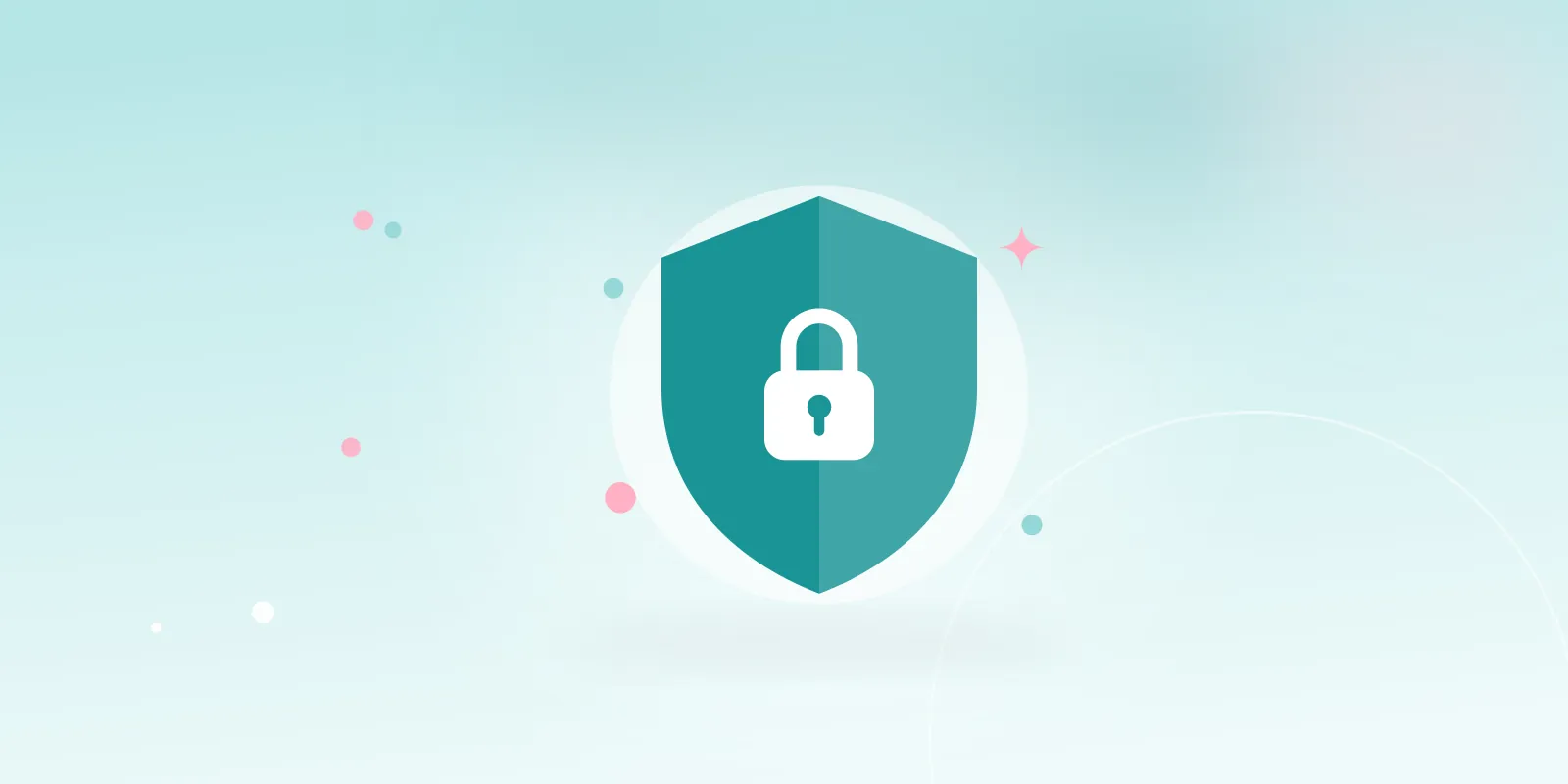
AI privacy is about what happens to the information you give an AI tool: where it goes, who can see it, how long it is kept and whether it is used to train future models. For a small business it is a practical question. Every day, owners and staff paste emails, spreadsheets, customer messages and contracts into AI assistants to get help, often without a thought for where that text ends up.
Most of the time nothing bad happens. But customer data, passwords and confidential business details do not belong in tools you have not checked, and data protection law in India and elsewhere makes you responsible for what happens to customers' personal information. Here is a simple list of what never to paste, how to read a tool's data terms, and a few rules your team can follow.
Key takeaways
- Treat anything you paste into an AI tool as shared with the company that runs it.
- Never paste passwords, one-time passwords, bank details, identity numbers or customers' personal data into a tool you have not checked.
- Check whether a tool keeps your conversations and uses them for training, and switch training off where you can.
- Business versions of AI tools often come with stronger data terms than free personal accounts.
- Write three or four rules for your team, because most leaks are accidents.
Why AI privacy matters for a small business
When you type into an AI assistant, your text is sent to the provider's servers to be processed. Depending on the product and your settings, it may be stored for a time, reviewed by people for safety, or used to improve future models. Providers describe all of this in their terms and privacy settings, and the details differ between free, paid and business plans. The stakes rise as AI agents connect directly to your email, files and calendar.
That matters because of what small businesses handle: customers' names, phone numbers and addresses, health details at a clinic, financial details at an accountant's, children's details at a tuition centre. India's Digital Personal Data Protection law, whose rules were notified in November 2025 with most duties applying from May 2027, expects businesses to use personal data only for the purpose it was collected for and to keep it safe. Pasting it into an unchecked AI tool fits neither. AI rules in India explains the law in more detail.
What never to paste into an AI tool
- Passwords, one-time passwords, UPI PINs and recovery codes, for any account.
- Bank account and card numbers, and screenshots of banking apps.
- Aadhaar, PAN, passport or other identity numbers, yours or anyone else's.
- Customers' personal details, such as names with phone numbers, addresses, order histories or messages, unless the tool is approved for that use.
- Health, financial or legal details about people who could be identified.
- Staff records: salaries, performance notes, disciplinary matters.
- Confidential business documents: unsigned contracts, supplier prices, plans you have not announced.
- Login cookies, API keys or access tokens for your systems.
What is usually fine
- General questions about your trade, your marketing or your writing.
- Drafts of Website text, social posts or emails with no personal details in them.
- Public information, such as your own published prices or a competitor's public Website.
- Information with the personal details removed: “a customer complained that the delivery was two days late” instead of the customer's name and number.
The habit that does the most good is anonymising before you paste. Replace names with roles, remove numbers and addresses, and summarise rather than copying whole conversations. The AI's answer is almost always just as useful.
How to check an AI tool's data terms
Before your business relies on a tool, find the answers to five questions in its settings, privacy policy or business terms:
- Are my conversations stored, and for how long?
- Are they used to train or improve models, and can I switch that off?
- Can people at the provider read them, and when?
- Where is the data processed and stored?
- Can I delete my history and my account, and does deleting really remove it?
Many major AI assistants offer a setting to stop your conversations being used for training, and business or team plans often exclude training by default and add controls for the account owner. Check the current terms yourself, because they change.
AI privacy in different kinds of business
- Clinics and therapists: never paste patient names with symptoms, reports or prescriptions. Use AI for general wording, such as an aftercare leaflet, and add the patient's details yourself.
- Accountants and consultants: client figures, tax documents and identity numbers stay out. Ask about the rule, not the client.
- Tuition centres and schools: children's names, marks and contact details are especially sensitive. Draft the message to parents with AI, then personalise it outside the tool.
- Salons, shops and restaurants: customer phone lists and order histories stay in your own systems. Use AI for menus, offers and replies with the names removed.
- Trades and home services: addresses and access details for customers' homes never go into an AI tool.
A worked example: replying to a complaint
A customer writes an angry message about a late delivery, with their name, address, phone number and order number. The unsafe way to get help is to paste the whole message into a free AI tool. The safe way takes thirty seconds longer: write “A customer is upset that their order arrived two days late because of a courier delay. Draft a short, polite reply with an apology and an offer of free delivery on their next order.” The AI writes a good reply without ever seeing who the customer is, and you add the name and details before you send it.
Five rules for your team
- Use only the AI tools the business has approved, with business accounts where possible.
- Never paste personal data, passwords or financial details into an AI tool.
- Anonymise first: remove names, numbers and addresses before asking for help.
- Check AI output before it reaches a customer. It can be wrong, and it goes out in your name.
- Tell the owner straight away if something sensitive was pasted by mistake, so it can be deleted.
Write these down and pin them where people work. A rule that lives only in the owner's head is not a rule. And remember that scammers use AI too: deepfake scams explains how to stop a cloned voice talking your team into sharing details.
Privacy on your Website, too
AI privacy is part of a wider promise to customers: that you look after what they tell you. Your Website is where that promise is visible. Ask only for what you need on your contact form, explain what you do with it, and keep Enquiries in one secure place rather than scattered across inboxes and phones.
On AI Site Builder, Enquiries from your contact form are kept in your dashboard behind your login and sent to your email. Analytics count Visitors without cookies. And the AI that writes your Website works from your description of the business, so you never need to paste customer data into it. The contact form checklist covers what a form should ask, and what is a CRM? explains why one place for customer details is safer than many.
Frequently asked questions
Is it safe to use ChatGPT for business?
It can be, with sensible rules: use an account whose data terms you have checked, switch off training where possible, and keep personal and confidential information out of it.
Do AI tools use my conversations for training?
Some do by default on free or personal plans; many let you switch it off, and business plans often exclude it. Check each tool's current settings and terms.
What should I do if I pasted customer data into an AI tool?
Delete the conversation, check the tool's settings for training and retention, and write down what happened. If the information was sensitive, take advice on whether you need to tell the customer.
Read next
Blog
AI rules in India: what small businesses must know
India's AI rules in plain English: deepfake labels under the IT Rules, the AI governance guidelines and data protection, and what they mean for you.
ReadBlog
Deepfake scams: how to protect your small business
Deepfake scams use AI-cloned voices and faces to trick staff into paying or sharing details. How they work, and simple habits that protect a small business.
ReadGlossary
What is a CRM? A plain-English guide for small business
A CRM keeps every customer conversation and follow-up in one place. What it is, when a small business needs one, and how it works inside an AI site builder.
ReadPut this into practice
Describe your business and build your Website with AI, free for 7 days. See every feature