Blog
The one sentence that shapes your AI-built Website
The description you give an AI site builder shapes every Page it writes. How to write one strong sentence, with weak and strong examples from real trades.
ReadGive the generator a sentence about your business and it returns a complete Website: Pages, Sections, wording, colours, fonts and photographs, checked against strict rules before anything is saved. Here is exactly what it produces, what it refuses to make up, and how you take it from there.
7-day free trial, then from ₹399 a month + GST. See pricing
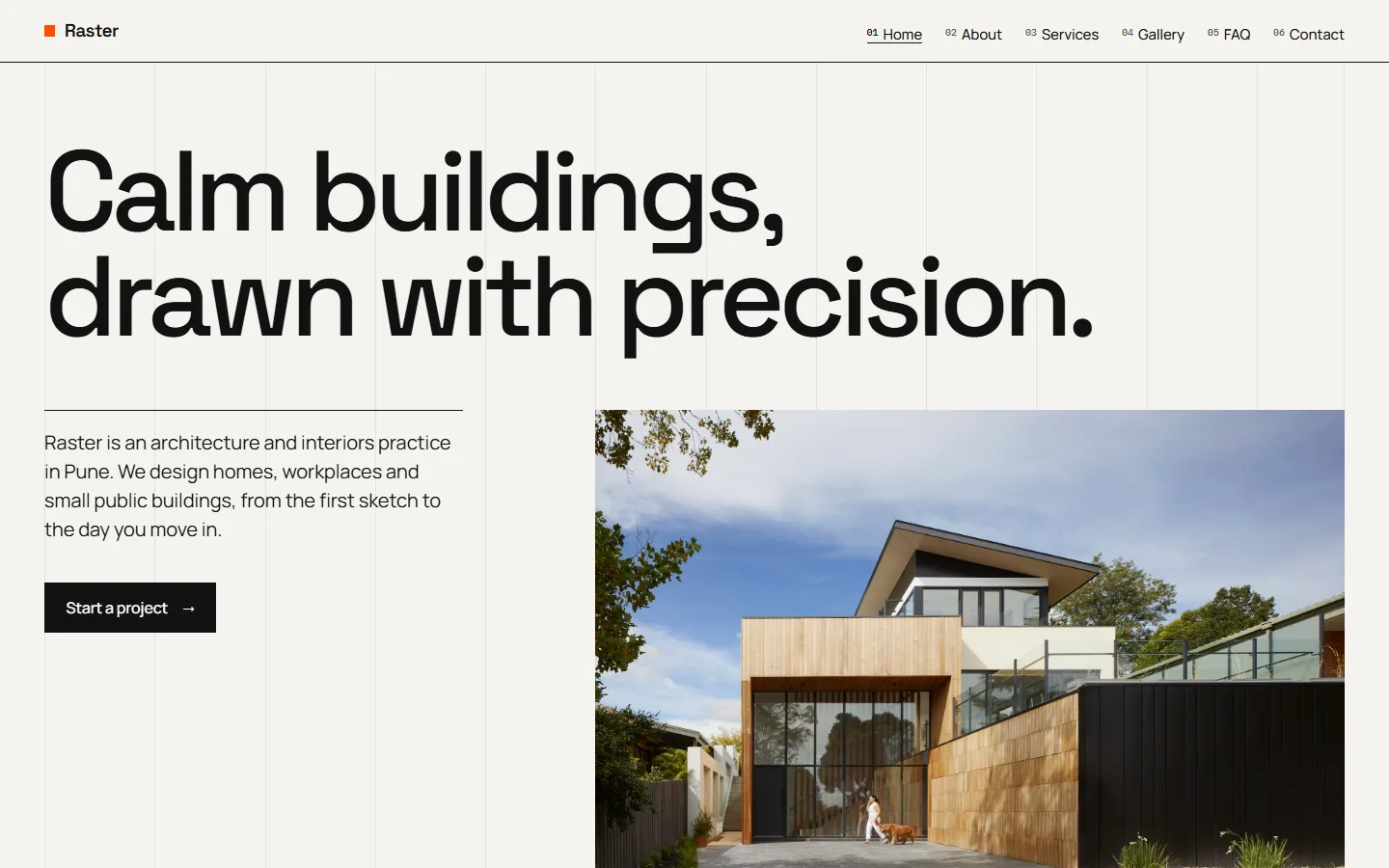
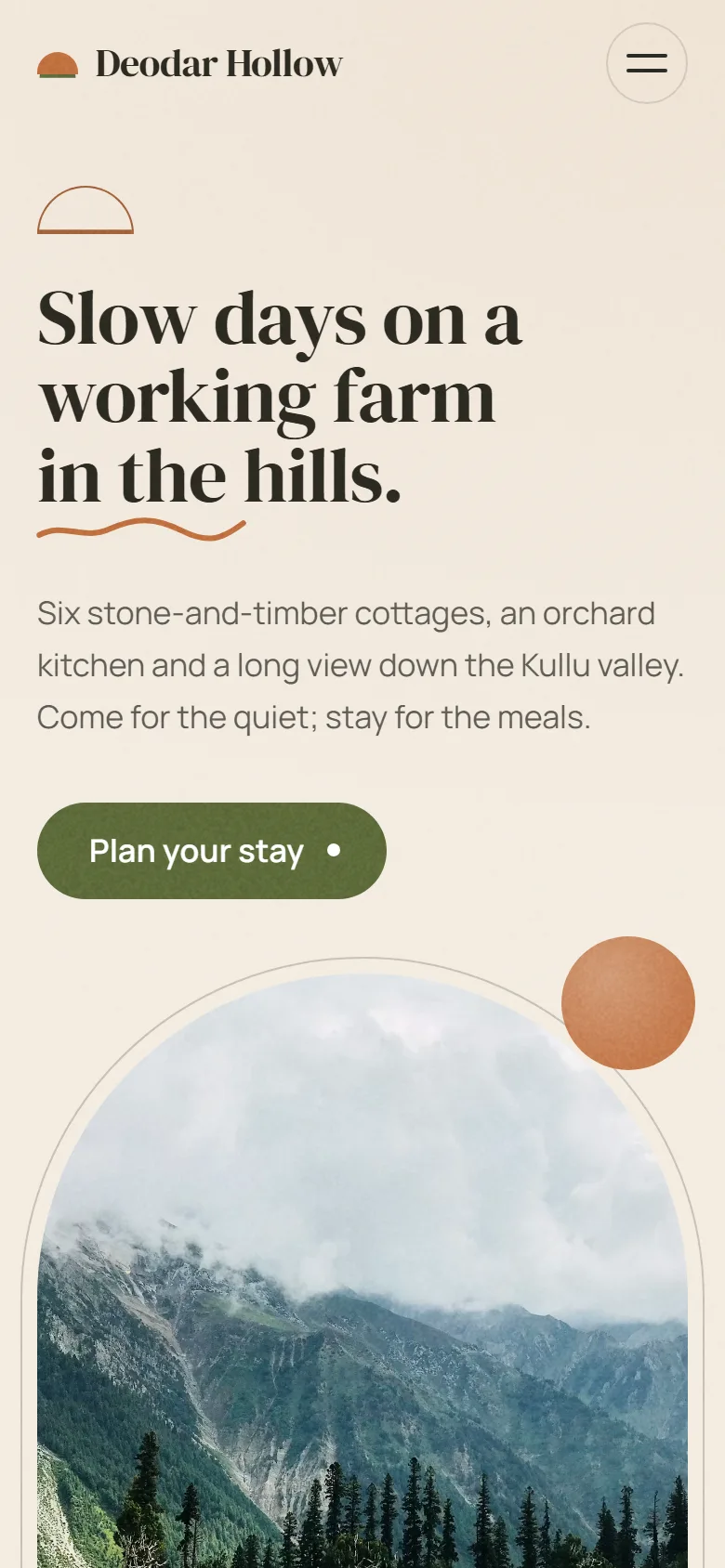
A lot of tools call themselves AI website generators and produce a single page of placeholder text. Ours produces a Website you could publish after a careful read. From one brief it returns:
If you ask for a one-page Website, it puts all of that on a single long Page instead, with the contact form just before the final call to action. And if your plan allows fewer Pages, it keeps Home, Contact, your offer and About first.
What happens between pressing the button and seeing your draft.
Your sentence, the kind of business you chose, the design you picked and any photographs you attached. That is all the generator knows about you.
It decides the Pages and the mix of Sections from fixed rules: a hero first and a call to action last on every Page, one contact form on the whole Website, and no two Sections of the same kind in a row.
It writes only from what you told it. Where you said nothing, it writes helpful general copy or a short line inviting you to add the detail, rather than guessing.
The result arrives as structured data, never as raw HTML. Every field is checked for its type and length, and buttons may only lead to Pages of your own Website. A result that breaks a rule is sent back with the problem named.
Only a result that passes is saved, and it opens in the editor as a draft. Nobody else sees it until you publish.
Anything the generator writes may be published as if it were true, so it works under rules that no brief can switch off. It never invents:
It may lay out a Section for reviews or a team, but the words in it are yours to supply. This is a deliberate choice: a made-up review can mislead customers and can break consumer protection rules, and a wrong phone number loses you the call. Read more in why our AI will not write reviews.
The more specific the brief, the less you change afterwards. A few examples:
| In your brief | In your Website |
|---|---|
| What you do and for whom | The headline of the home Page, the offer Page and the search titles |
| Your town or area | The hero, the About Page and search descriptions, so local searches can find you |
| Your services, dishes or classes | The features Section and a Page named for them, each with a pictogram |
| Your opening hours or prices | Stated exactly as you gave them, and never guessed when you did not |
| Your photographs | Used in the hero and the gallery before any library image |
| Nothing about reviews | No reviews at all, rather than invented ones; add real ones when you have them |
Our guide to writing prompts for an AI site builder shows how to write a brief that gets this right first time.
A generated Website is a first draft, and you stay in charge of it. There are three ways to change it, and you can mix them freely.
You can also add, rename, reorder and delete Pages, change colours and fonts, and switch to another design with your words kept. On Pro and Premium, version history saves earlier copies of your draft so you can restore one if an edit goes the wrong way. Editing your Website in plain English has examples of instructions that work well.
AI credits are the unit of AI use. Generating a whole Website uses 10 AI credits, rewriting a Section 1 and editing the whole Website 2. Basic includes 50 AI credits a month, Pro 500 AI credits and Premium 2,000 AI credits. If a request fails, the AI credits it used are returned. AI credits explained goes into more detail.
A generator is the part that writes the first draft. On its own it leaves you with a file to host and nowhere for Enquiries to go. AI Site Builder wraps the generator in a complete AI website builder: hosting, your own domain with free SSL, a contact form, a CRM on Pro and analytics. A web designer is still the right choice for a large or unusual project; AI site builder or web designer helps you decide.
Rather than starting again, tell the AI what is wrong in plain English: a different tone, shorter Pages, more about one service. Switching design changes the look without losing the words. Most drafts need a few targeted changes, not a new start.
Yes. Attach your photographs when you describe your business and the generator uses them first, in the hero and the gallery, then fills any gaps from our image library. You can replace any picture afterwards.
No. The writing starts from each brief, and the generator is told to make its own choices of Sections, headings, photographs and colours even within the same design. Two cafés in the same design should look and read clearly differently.
Only if you give them. It never guesses prices, hours, addresses or phone numbers. Where they would belong, it writes a short line asking you to add them, which you can do in a form in seconds.
Yes. Say 'a one-page website' in your brief and it puts seven to ten Sections on a single Page, with the contact form near the end. That suits a launch, an event or a single offer; see our AI landing page builder for more.
Yes. Every word, picture, colour and Page can be edited, removed or replaced. The generator only writes the first draft; after that it changes your Website only when you ask it to.
Nothing half-finished is saved, and the AI credits the request used are returned to your account. You can simply try again, perhaps with a little more detail in your brief.
Yes. Every account starts with a 7-day free trial on Basic, which includes enough AI credits to generate a Website and make changes. You do not enter payment details to start.
Blog
The description you give an AI site builder shapes every Page it writes. How to write one strong sentence, with weak and strong examples from real trades.
ReadGuides
What to put in the description you give an AI site builder, with weak and strong examples for different trades, and how to word follow-up edits that work.
ReadBlog
A practical pre-publish check for a Website made with an AI site builder: facts, claims, placeholders, contact links, photos and the phone preview.
ReadTry the AI website generator free for 7 days, then keep your Website online from ₹399 a month + GST.