Glossary
What is a landing page? A plain-English explanation
A landing page is a focused Page built for one offer and one action. What it is, when you need one, and how to make one with an AI site builder.
ReadA course intake, a festive menu, a free first consultation, a new branch: some things deserve a page of their own. Describe the offer and the AI writes a focused landing page around it, with a form that brings every Enquiry to your dashboard. Honest from the start: it is a small business tool, not a marketing funnel suite.
7-day free trial, then from ₹399 a month + GST. See pricing
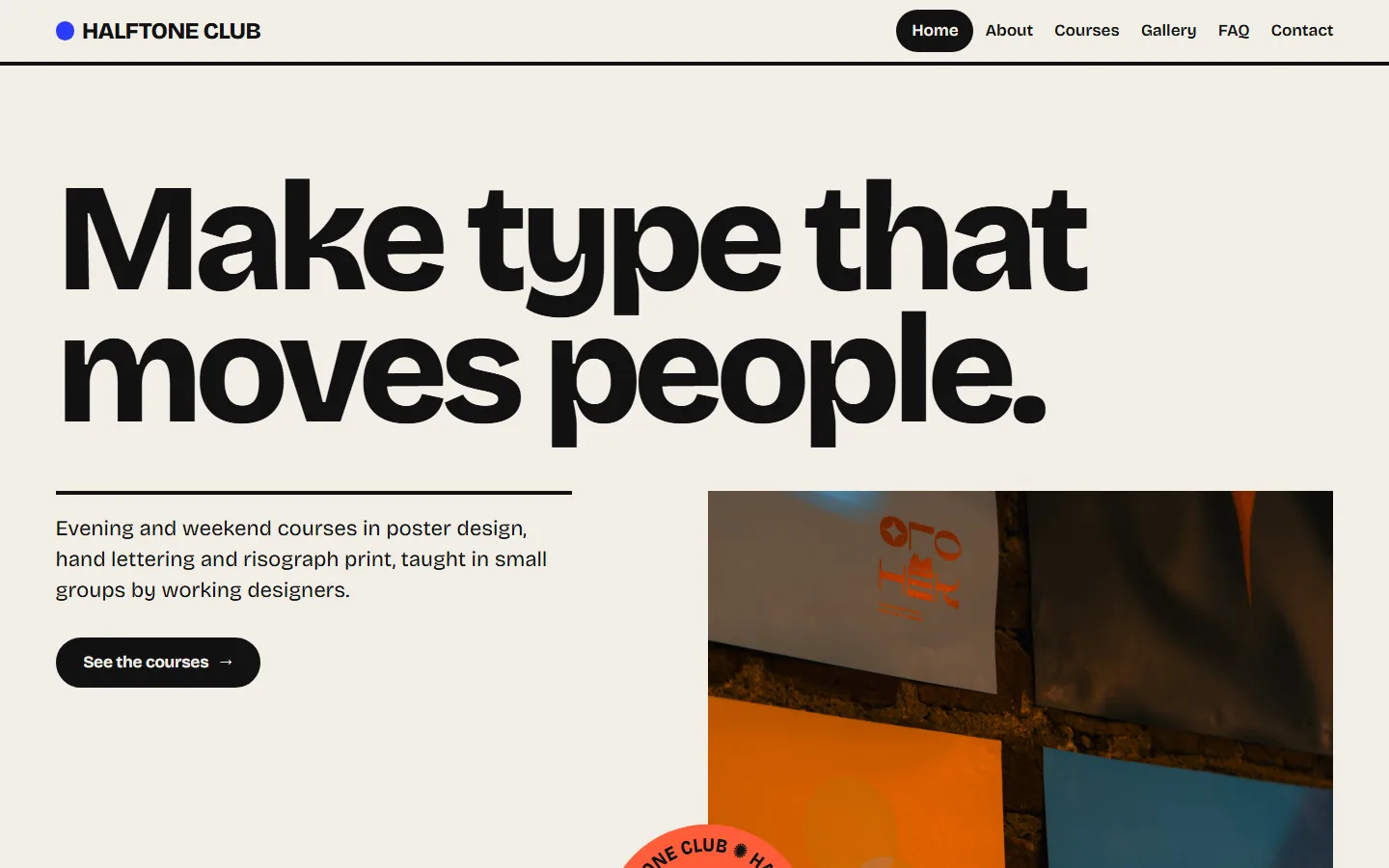
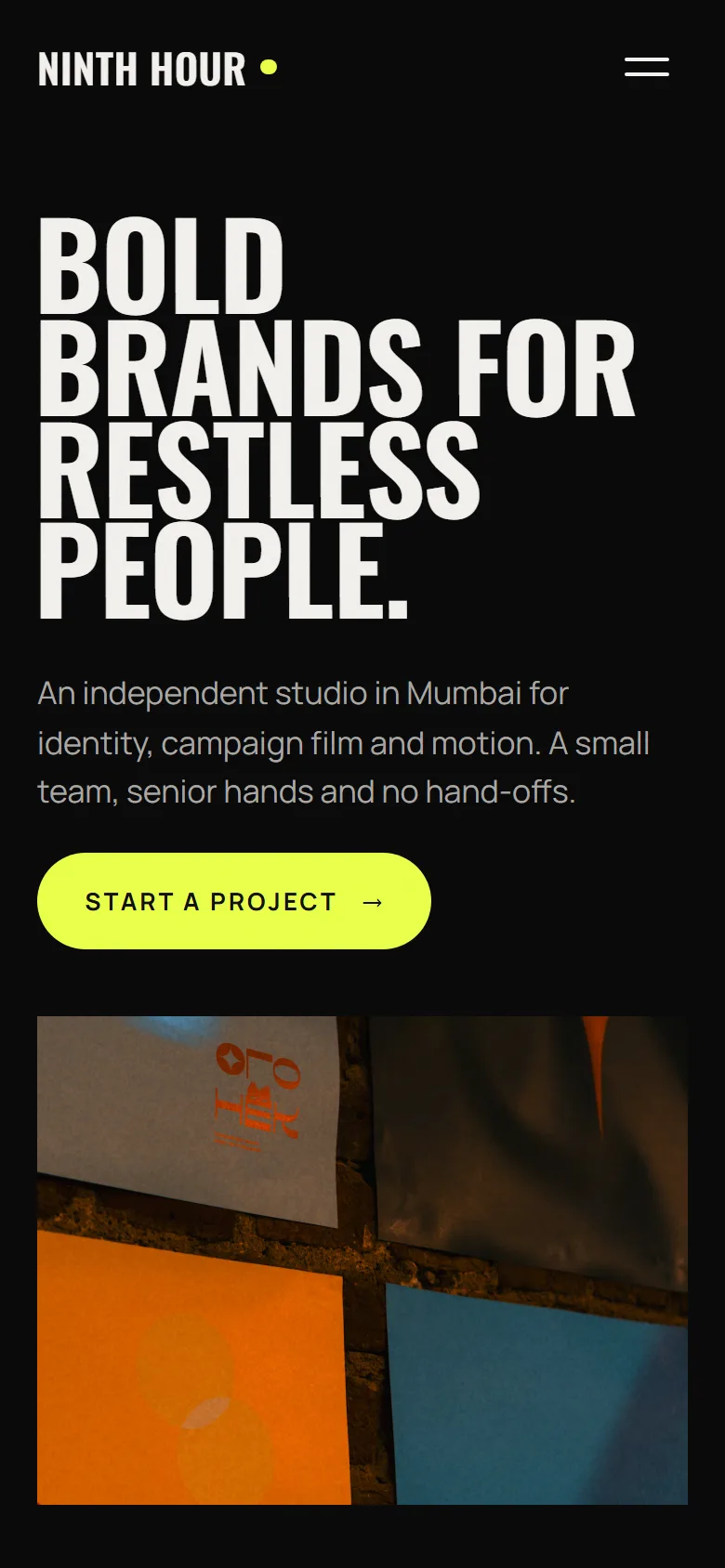
A landing page is a Page made for one offer, one kind of visitor and one action. Your home page has to welcome everyone; a landing page speaks to the people who tapped one advert, one post or one QR code, and asks them to do one thing: ask a question, book a time or request a quote.
Most small businesses need one when they are paying for an advert and want it to lead somewhere specific, when they run something with a date, such as a course, an event or a seasonal offer, or when they want one link to put on a poster or in an Instagram bio. If none of that applies, a clear home page will do. What is a landing page? explains the difference in more detail.
Choose by whether the offer stands alone or belongs to the business you already have online.
Say 'a one-page website' in your brief. The AI puts seven to ten Sections on a single Page, from the headline to the contact form just before the final call to action, and you publish it on its own domain or temporary address. This suits an offer that stands on its own, such as an event or a course.
Add a Page to your existing Website and ask the AI, in plain English, to add and write its Sections for the offer. That uses 2 AI credits per instruction. The offer then shares your domain, your design and your Enquiries. Every Page appears in your Website's menu, so give it a clear name.
From your description, the AI builds a page that answers the questions a visitor has, in the order they have them:
Dates, prices, seats and terms appear only if you give them; the AI never guesses them and never invents testimonials or numbers to make the offer look busier than it is. Our guide to a clear call to action helps you choose the one thing you want visitors to do.
Dedicated landing page tools are made for marketing teams running many campaigns. Here is what each kind does, so you can choose without being oversold.
| What you need | AI Site Builder | Dedicated landing page tools |
|---|---|---|
| A first draft written from one sentence | Yes | Some, often from a template |
| Your own domain with free SSL | Yes, on every plan | Usually, often at extra cost |
| A form that sends Enquiries to a dashboard and your email | Yes, on every plan | Usually, often through another tool |
| Following up each Enquiry as a Lead | Yes, with the CRM on Pro | Rarely built in |
| Seeing which advert or post sent visitors | Yes, with campaign tracking on Premium | Usually |
| A/B tests of two versions of a page | No | Often |
| Sales funnels, upsells and checkout | No | Often |
| Taking payments on the page | No: order requests only | Often |
If your work depends on A/B testing and funnels, a dedicated tool is the better choice. If you need a clear page for an offer, written quickly, with Enquiries you can follow up, AI Site Builder does that without another subscription: see what each plan includes.
Every plan shows how many people viewed each Page, how long visits lasted and how many left after one Page. Pro adds the sources of your visits and the Pages people landed on, along with Enquiries over the period. Premium adds campaign tracking, so links tagged for an advert or a post show which one sent each visitor, and conversion tracking, which shows which Pages bring Enquiries. What is UTM tracking? shows how to tag a link, and reading your Website analytics what to do with the numbers.
Yes. Ask for 'a one-page website' when you describe your business and the AI puts everything on a single Page, with the contact form near the end. You can add more Pages later if the offer grows into a business.
No. AI Site Builder does not split visitors between two versions of a Page. You can change a Page and compare its results over time in your analytics, which is often enough for a small business.
Yes. Use the Page's address as the destination of the advert. The free Google Analytics and Facebook Pixel apps in the marketplace connect your Website to those tools if you use them, and Premium's campaign tracking shows which tagged link sent each visitor.
It takes no payments online. On Pro, a booking Section lets visitors choose a free time for an appointment, and the form builder can ask for the details you need. The free Shop app takes order requests that you confirm and collect payment for yourself.
Yes, if you build it as a one-page Website: every Website can have its own domain with free SSL. Basic includes one Website, Pro up to 3 and Premium up to 10.
As many as your plan's Pages allow: up to 5 Pages on Basic, up to 30 per Website on Pro and up to 200 per Website on Premium. Many small businesses run one or two at a time, and remove them when the offer ends.
The AI drafts it in a few minutes. Allow time to check the details of the offer and add your own photographs, and it can be live the same day on a temporary address, or on your own domain once that is connected.
Yes: every Page of a Website appears in its menu. If you want a page with nothing around it, build it as a separate one-page Website instead.
Glossary
A landing page is a focused Page built for one offer and one action. What it is, when you need one, and how to make one with an AI site builder.
ReadComparisons
One-page vs multi-page website: how each works for search, Visitors and Enquiries, and how to choose the right size when you build with an AI site builder.
ReadGlossary
A conversion is a Visitor doing what your Website is for, such as sending an Enquiry. What counts, how to improve it, and how an AI site builder measures it.
ReadDescribe the offer in a sentence and let the AI build the page. Free for 7 days, then from ₹399 a month + GST.