Marketing8 min read
When a one-page website is enough (AI landing pages)
When a one-page website is all you need, when it is not, and how to build a focused landing page with AI for an offer, an event or an advert.
By The Purple Rocket team
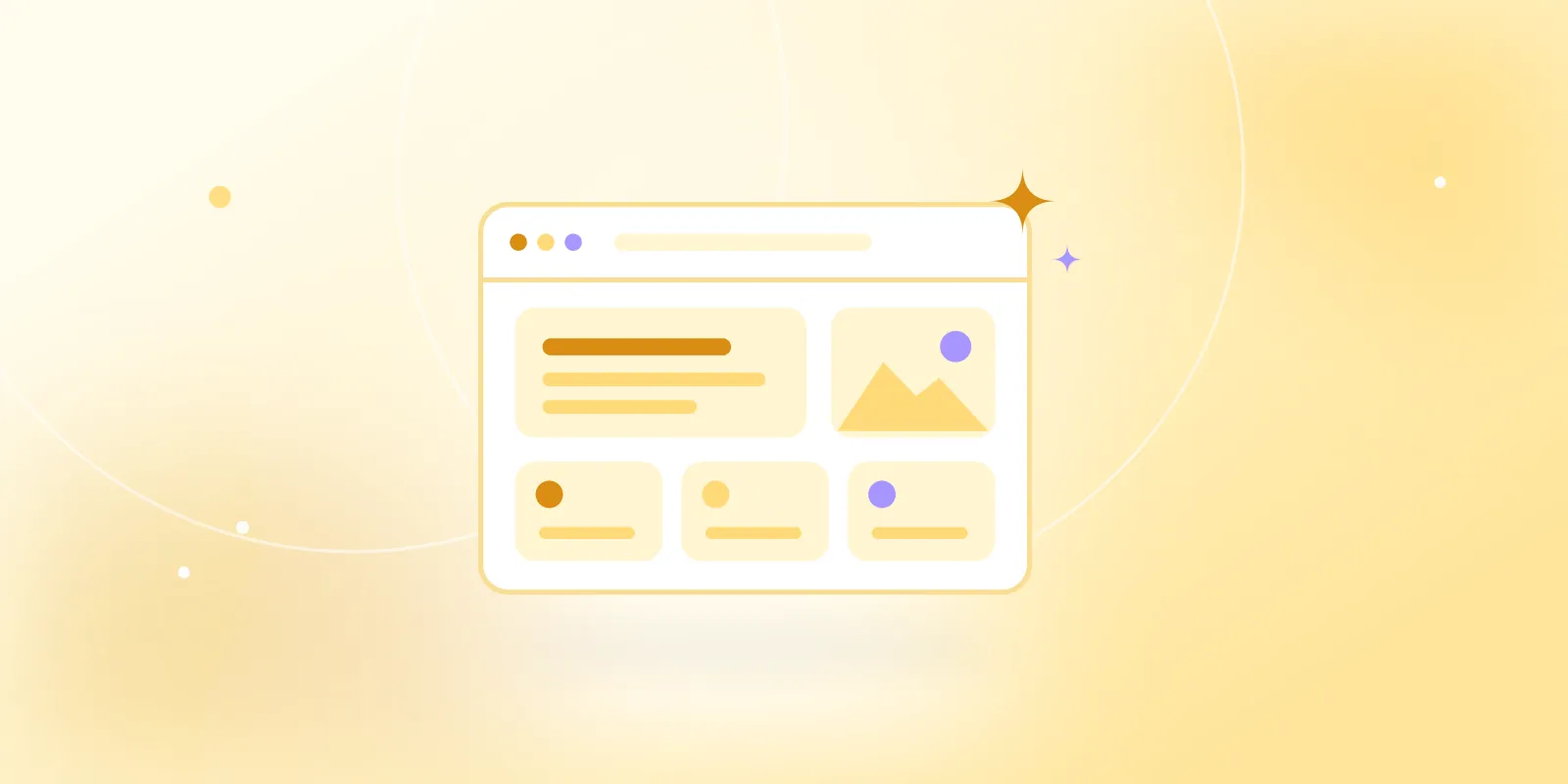
Not every business needs a large Website. Sometimes one well-made Page does the job better: a single offer, a single event, a single advert that needs somewhere to send people. That is what an AI landing page builder is for. You describe the offer, the AI drafts a focused Page with one clear action, and you publish it in an afternoon. This guide explains when a one-page website is enough, when it is not, and how to make a landing page that actually turns Visitors into Enquiries.
What a landing page is, and what it is not
A landing page is a Page built for one purpose and one action. A Visitor arrives, usually from an advert, a social post, a QR code or an email, reads about one thing, and is asked to do one thing: book, call, send an Enquiry, register. There is little or no navigation to distract them. A home page, by contrast, has to serve everyone: new customers, returning ones, people looking for your address. What is a landing page? has the plain-English definition.
When a one-page website is enough
- You are just starting and sell one thing, such as a tuition batch, a home-baked cake range or a single consulting service
- You are running an advert and want the people who click to see exactly what the advert promised
- You have a time-limited event: a workshop, an exhibition stall, a festival offer, an open day
- You need a simple Page behind a QR code on a flyer, a menu card or a shop window
- You want to test whether there is demand for a new service before building it out
In each case, more Pages would only give people more ways to wander off before they act.
When you need more than one Page
- You offer several services that different people search for. Each deserves its own Page with its own search title.
- You want to be found on Google for many searches. One Page can rank for one main topic, not ten.
- People need detail before they trust you: a clinic, a school, a builder, a lawyer.
- You publish news, menus or offers that change often and need a home.
A common, sensible pattern is both: a multi-page Website for your business, and separate landing pages for each campaign. One-page or multi-page Website goes deeper into the choice.
What an AI landing page builder does for you
The hardest part of a landing page is not the design; it is deciding what to say and in what order. An AI landing page builder does that first draft for you. Given a good description, it writes a headline that names the offer, a short explanation of who it is for, the details people need, the answers to obvious questions and a call to action, and it lays them out in a design that works on phones. You then sharpen the wording and add the facts.
On AI Site Builder, a landing page is simply a Page of your Website, so it shares your domain, your design and your Enquiries. You can describe the campaign to the AI and ask it to add the Page, or edit an existing Page into one. Every plan allows several Pages per Website, up to 5 on Basic and 30 on Pro, so a campaign Page fits alongside your main ones.
The anatomy of a landing page that converts
- A headline that repeats the promise of the advert or post that brought people here, in the same words.
- One line on who it is for and what they get, specific enough that the wrong people self-select out.
- The details that decide: price or starting price, dates, place, duration, what is included.
- Proof that is real: photos of the actual product, venue or past event, qualifications, genuine reviews with permission. Never invented ones.
- Answers to the three or four questions people always ask, so they do not need to ask.
- One call to action, repeated at the top and the bottom: Book your place, Ask for a quote, Chat on WhatsApp.
Writing the description for the AI
The AI can only be as specific as your description. Compare a weak request with a useful one:
- Weak: 'Landing page for my yoga workshop.'
- Useful: 'A one-page landing page for a two-day beginners' yoga workshop for office workers in Koramangala, Bengaluru, on two Saturday mornings next month. Small group, mats provided. People should send an Enquiry to reserve a place. Ask for name, phone and preferred batch.'
The second gives the audience, the place, the format, the date and the action. The one sentence that shapes your Website explains how to build descriptions like that.
Connect the landing page to the action
A landing page is only as good as what happens after the click. Choose the action that suits your offer, and make sure it works:
- Enquiries: the contact form on every plan sends each Enquiry to your dashboard and by email. On Pro, each one also becomes a Lead you can follow up.
- Questions before booking: on Pro, the Form Builder asks exactly what you need, such as preferred batch, number of people or budget.
- Fixed time slots: on Pro, a Bookings Section lets Visitors pick a free time from your calendar.
- Quick conversations: the free WhatsApp chat button opens a chat with your first message already typed.
Measure what the landing page does
Every plan shows Visitor numbers and top Pages, so you can see how many people reached the landing page. Pro adds where Visitors came from and the Enquiries over the period. Premium adds campaign tracking with UTM tags, which shows which advert or post brought people, and which Pages bring Enquiries. Tag each link you share, then compare: the campaign with the most Enquiries, not the most clicks, is the one to keep. What is UTM tracking? shows how to tag a link.
A worked example: a festival offer
Say you run a sweet shop and want orders for Diwali gift boxes. A home page about the whole shop would bury the offer. A landing page puts it first:
- Headline: 'Diwali gift boxes, made fresh in Jaipur'. The same words as your Instagram post and the poster in your window.
- One line on who it is for: families sending sweets to relatives, and companies ordering for staff and clients.
- The boxes: three sizes, what is inside each, the price, and the last date for orders.
- Proof: photographs of the actual boxes, packed and open, taken in your shop.
- Questions answered: Do you deliver? Can we add a card with our company name? How far ahead must we order?
- One action: 'Ask for your gift boxes', a form that asks for the box size, quantity and delivery date. Repeated at the top and the bottom.
After Diwali, edit the Page into the next occasion, so the address you printed keeps leading somewhere useful. If you want customers to choose boxes and quantities themselves, the free Shop app can turn the same Page into a small catalogue that sends order requests.
Landing page mistakes to avoid
- Sending advert clicks to your home page instead of a Page about the advertised offer
- A headline that does not match the advert, so people think they are in the wrong place
- Hiding the price, the date or the place, which are the details people came for
- Several competing buttons, or a long menu that leads away from the offer
- Leaving the Page up after the offer ends. Update it, or point people to what is next
- Not testing the form yourself before the campaign starts
Try it on your next offer
The quickest way to learn is to build one. Pick your next offer or event, write a clear description, let the AI draft the Page, then cut every sentence that does not help someone decide. If you are new to AI Site Builder, the AI website builder page shows how the drafting works, and the plans list how many Pages each includes.
Frequently asked questions
Can I build just a one-page website with AI Site Builder?
Yes. A Website can be a single Page, and you can add more Pages later up to your plan's allowance.
Can a landing page rank on Google?
It can rank for the one topic it covers if it answers that search well. For many different searches you need a Page for each.
Do I need a separate domain for a landing page?
No. A landing page can live on your main domain as its own Page, such as yourbusiness.in/workshop, which also builds trust in your main address.
Read next
Glossary
What is a landing page? A plain-English explanation
A landing page is a focused Page built for one offer and one action. What it is, when you need one, and how to make one with an AI site builder.
ReadComparisons
One-page or multi-page Website: which suits you?
One-page vs multi-page website: how each works for search, Visitors and Enquiries, and how to choose the right size when you build with an AI site builder.
ReadBlog
Your Website is live: how to get the first Enquiries
You built a Website with an AI site builder and it is live. Here is what to do in the first few weeks so real people find it and send their first Enquiries.
ReadPut this into practice
Describe your business and build your Website with AI, free for 7 days. See every feature