Getting started7 min read
Create a website with AI in 15 minutes: a timed walkthrough
A minute-by-minute plan to create a website with AI and publish a first version in fifteen minutes, then the short list of jobs that make it great.
By The Purple Rocket team
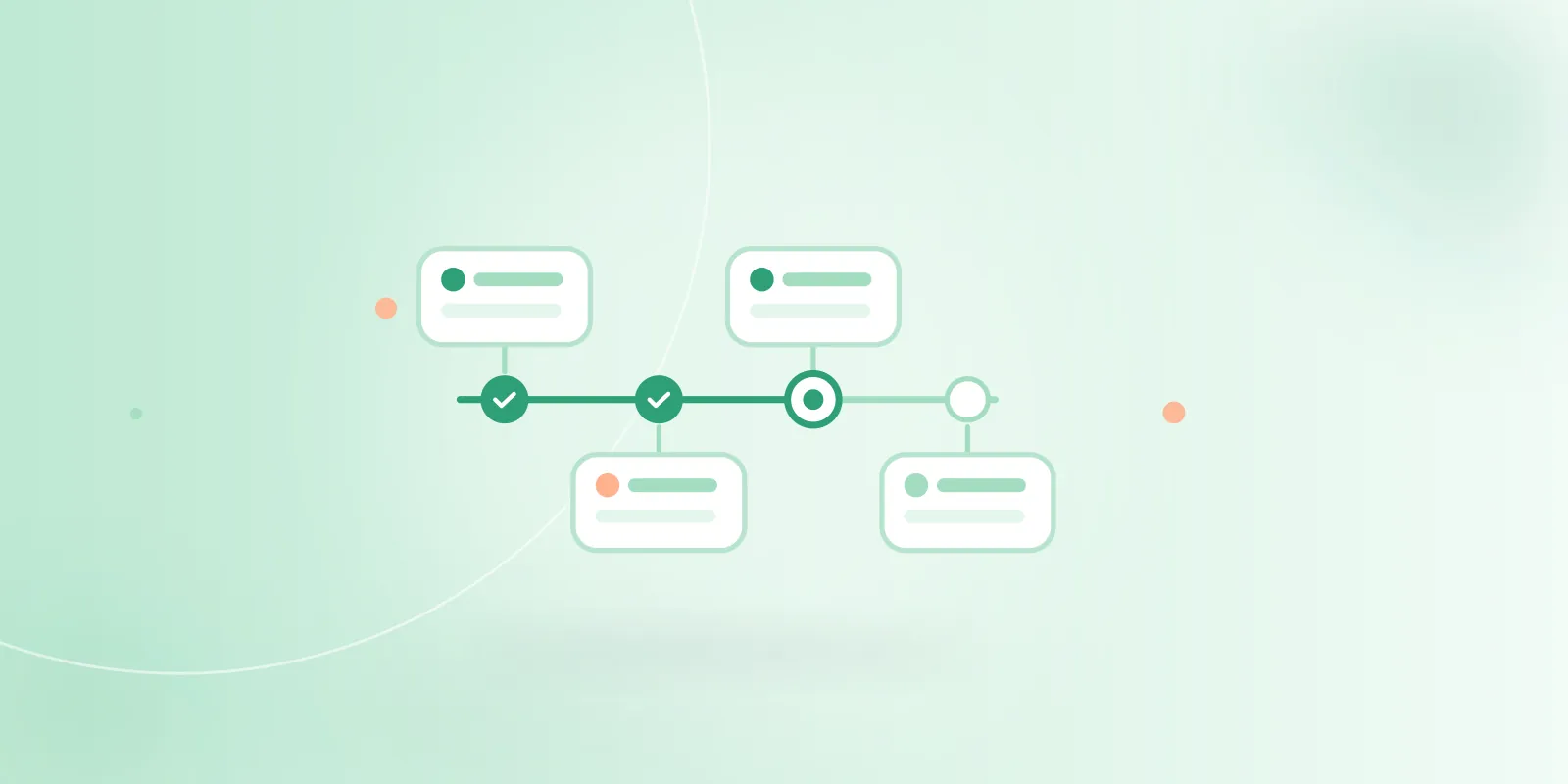
Can you really create a website with AI in fifteen minutes? You can create a good first version, live on the internet, in about that time, if you prepare for five minutes first. What you will not have after fifteen minutes is a finished Website: the photos, the final wording and your own domain take a little longer. This walkthrough is a timed plan for the first session, using AI Site Builder, followed by the short list of jobs that turn a quick first version into a Website that brings Enquiries.
If you prefer a complete, untimed guide, how to build a website with AI covers every step in depth. This one is for people who want to see something real today.
Before the clock starts: five minutes of preparation
The AI writes quickly, but it can only use what you give it. Open the notes app on your phone and write down:
- Your business name, exactly as on your signboard
- Two or three sentences: what you do, for whom, where, and what makes you different
- Your main services or products, one line each, with prices if you share them
- Phone, WhatsApp, email, address and opening hours
- The one thing you most want a Visitor to do: call, message, book or send an Enquiry
- Three to six photos already on your phone: your work, your premises, you
This note is worth keeping. You will reuse it for your Google Business Profile and social bios, so your details match everywhere.
Minutes 0 to 2: create your account
Go to the sign-up page and create an account with your email address, or use Continue with Google. Every account starts with a 7-day free trial, so you can build and publish before choosing a plan. If you are asked to confirm your email address, do it now so nothing interrupts you later.
Minutes 2 to 5: describe your business and choose a design
On your dashboard, start a new Website. Paste the description from your note and choose the category that fits your business. Be specific. Compare:
- Thin: 'Tailoring shop.'
- Useful: 'Ladies' tailoring studio in Sector 15, Chandigarh. Blouses, salwar suits and alterations, with bridal blouse work our speciality. Fittings by appointment. We want people to send an Enquiry with the garment and their date.'
If you have photos, attach a few: the AI looks at them and uses them to understand your business. Then pick a design from the gallery. You can filter by style and industry. Do not agonise; you can switch designs later without losing your words. Choose one that suits your photos: image-led for visual trades, calmer and text-led for professional services. The one sentence that shapes your Website explains why the description matters so much.
Minutes 5 to 7: let the AI create the website
Start the build. The AI plans your Pages, writes every Section, drafts each Page's search title and description, and fits it all to the design you chose. Building a Website uses 10 AI credits, and if a request fails its AI credits are returned. When it is done, the Website opens in the editor as a draft. Nothing is public yet.
Minutes 7 to 11: fix the facts
This is the most important four minutes. Open each Page and read it quickly, looking only for things that are wrong or missing. Do not polish yet.
- Check the phone number, WhatsApp number, email and address. Type corrections directly into the Section's form; that uses no AI credits.
- Check your opening hours and the areas you serve.
- Delete any service you do not offer, and add any obvious one that is missing.
- Look for placeholder text where reviews or numbers would go. Replace it with something real or delete the Section. The AI never invents reviews or statistics, so those placeholders are yours to fill or remove.
- Check the main button on the home page says what you want people to do.
Minutes 11 to 13: add your own photos
Upload the photos from your phone to the media library and swap them into the places that matter most: the first screen of the home page, your services and your about Section. Give each a few words describing what it shows. Real photos change how trustworthy a Website feels more than any other single edit.
Minutes 13 to 15: preview on a phone and publish
Preview the Website on the mobile view, since that is where most customers will meet it. Tap through every Page. Then publish. Your Website goes live on a free temporary address straight away, which you can open on your own phone and share with a friend for a second opinion.
The next hour: make it yours
With the first version live, spend an hour over the next few days on the jobs that make the biggest difference:
- Replace general lines with specific ones. 'Quality service' becomes what you actually do and where. You can ask the AI to rewrite a Section with an instruction such as 'make this warmer and mention home visits in Mohali', which uses 1 AI credit.
- Set your own colours and fonts to match your signboard and cards.
- Read every search title and description and make sure each names the service and the place.
- Send yourself a test Enquiry from the contact form and check the email arrives.
- Add the free WhatsApp chat button from the marketplace if your customers prefer to message.
This week: your own domain and Google
Before you print the address anywhere, connect your own domain. Under Domains, enter it and add the A records shown, one for the domain and one for www, at the company you bought it from. A free SSL certificate is installed automatically once it connects. Business domain name: how to choose one and connect it walks through it. Then link your Website from your Google Business Profile, Instagram bio and WhatsApp Business profile.
Why fifteen minutes is enough to create a website with AI
The hardest part of getting a Website has always been starting: the blank page, the decisions about structure, the first words. AI removes that, so a business owner can go from nothing to something real in one sitting. That matters, because a simple Website that is live today starts collecting Enquiries and appearing in searches long before a perfect one that is still being planned. Polish it in small steps; each edit goes live when you publish, and Visitors never see half-finished changes.
Three more descriptions that work
If you are stuck on the description, borrow the shape of one of these. Each says what, for whom, where, what is special and what the Visitor should do:
- 'Chartered accountant in Kakkanad, Kochi, helping small traders and freelancers with GST registration, monthly returns and income tax filing. Clear fixed fees. We want people to send an Enquiry describing their business.'
- 'Pet grooming at home across Whitefield and Marathahalli, Bengaluru. Baths, haircuts and nail trims for dogs and cats, with a gentle approach for nervous pets. Customers should message us on WhatsApp to book.'
- 'Bridal and party make-up artist in Lucknow, working at the client's home or venue. Trial sessions available. Visitors should send their event date and location for a quote.'
Common mistakes in the first session
- Writing a one-line description, then blaming the AI for a generic draft
- Spending the fifteen minutes comparing designs instead of fixing facts
- Publishing placeholder text where reviews or numbers should be
- Asking the AI to rewrite the whole Website to fix one phone number
- Printing the temporary address on cards instead of waiting for your own domain
Seven mistakes to avoid with an AI site builder covers these in more detail.
Frequently asked questions
Can I really create a website with AI in 15 minutes?
You can have a correct first version live in about fifteen minutes if your facts and photos are ready. Making it excellent takes a little longer: better wording, your colours and your own domain.
Do I need to know how to code?
No. You describe your business, choose a design and edit through simple forms or plain-English requests to the AI.
Is my Website live straight away?
It is live on a free temporary address as soon as you publish. Connect your own domain whenever you are ready.
What happens after the free trial?
Choose a plan to keep your Website online, from ₹399 a month + GST. If you do not, nothing is deleted; the Website is simply not shown to Visitors until a plan is active.
Read next
Guides
How to build a website with AI: a step-by-step guide
A plain-English guide to building a business Website with an AI site builder, from the first sentence to your own domain, launch day and your first Enquiries.
ReadBlog
How long does it take to build a Website with AI?
With an AI website builder the draft takes moments. Here is where the real time goes, what slows people down, and a calm weekend plan to get you live.
ReadAI site builder for
Small businesses
Is an AI site builder right for your small business? What it drafts, what you add, what it will not do, and how to go from one sentence to a live Website.
ReadPut this into practice
Describe your business and build your Website with AI, free for 7 days. See every feature